Adding Administrators
Powers
Administrators for your hub have full access rights. They can:
- Have access to the Admin Console to update system settings and app configuration.
- Manage the content library and import content.
- Have access to the Scene Editor to create and publish new scenes, regardless of settings.
Granting Admin Access
Community Edition does not store any personally identifying information in the database. To promote a user to administrator, first get from them the email address they use with your Hubs instance.
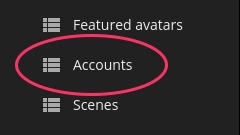
Navigate to the Accounts section in the Admin Console:
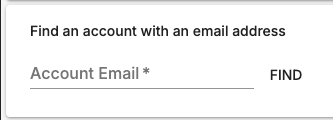
From there, enter their email address under Find an account with an email address and then click Find.
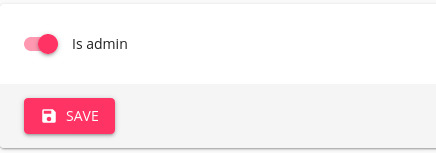
Then set the account to Is admin and click Save: